Community news pointer
Minecraft: Java Edition System Requirements
Official source by Sophie Austin ·
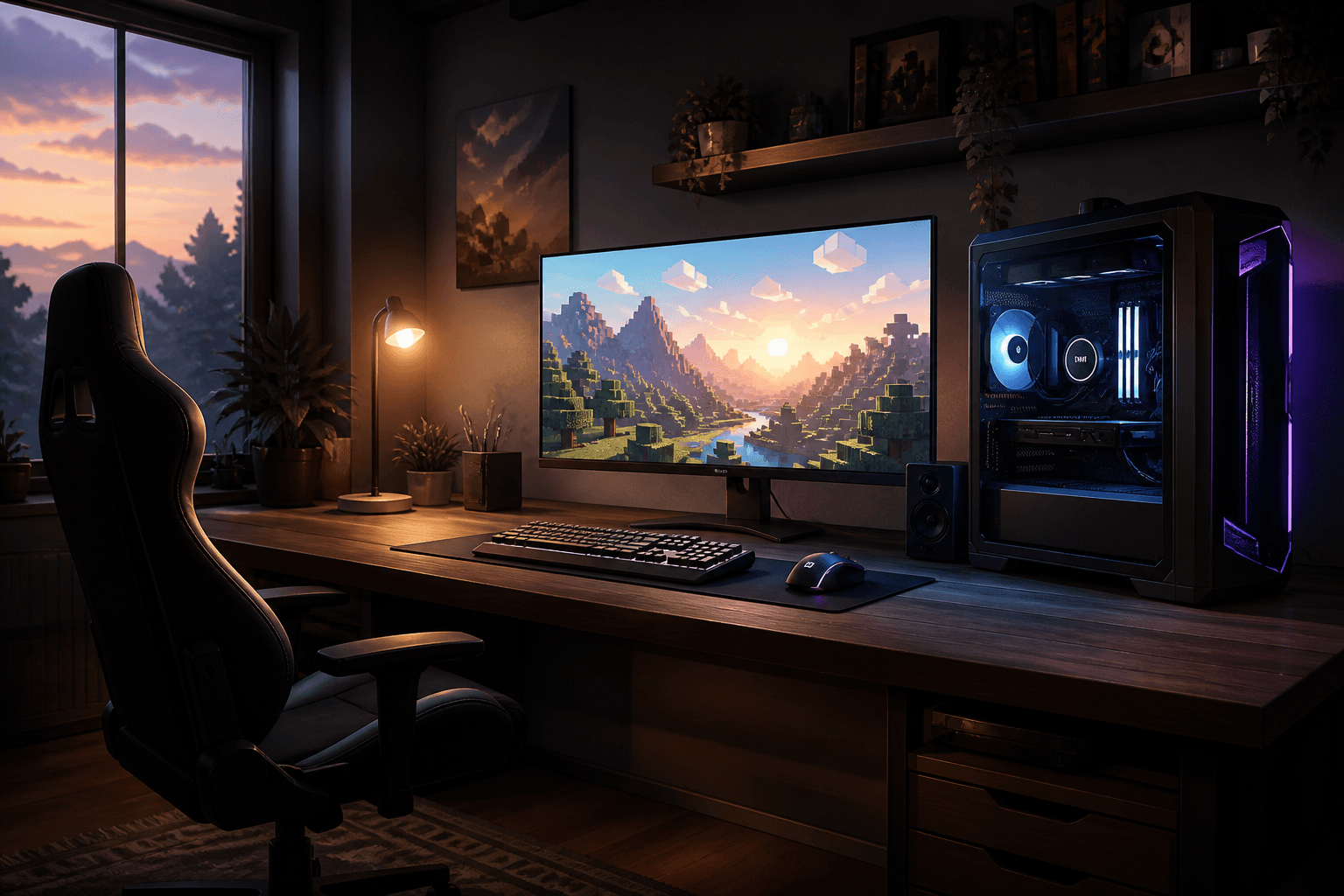
Mojang is refreshing the published minimum and recommended specs for Minecraft: Java Edition so they match how the game actually runs today — larger worlds, newer rendering paths, and higher player expectations at 1080p. The old numbers were tuned for older hardware and graphics stacks; the new guidance aims for clearer baselines instead of nostalgia.
In broad strokes, the minimum target is a steady 1080p experience around 30 FPS on Fast settings, which points toward a modern 64-bit PC with more RAM than before, a multi-core CPU, and a Vulkan 1.3-capable GPU with dedicated video memory. The recommended target aims for 1080p at about 60 FPS on Fancy, which means more RAM, a stronger processor, and a more capable graphics card.
Falling below the new minimum does not instantly lock you out: Java Edition should still launch on many older machines for now. Performance and visuals are simply no longer promised there, and future Vulkan-focused work may make outdated GPUs — including some older integrated and Intel Mac setups — struggle more over time.
If you already play smoothly, you may notice nothing overnight. If frames hitch or you are shopping for a new PC, use the recommended row as your planning target. Spec sheets can change wording, so verify the exact RAM, CPU, and GPU rows on Minecraft.net’s official Java system requirements table before you buy or upgrade.
This page is a PixelCraftMusic summary written in our own words — roughly half the coverage of the official post. For every detail, changelog line, and media asset, read the original on Minecraft.net.
Original to PixelCraftMusic
PixelCraftMusic corner
This section is written by us for listeners and builders. It is not copied from Minecraft.net — just our session tips around Minecraft: Java Edition System Requirements.
Session vibe
System requirements day is a desk audit, not a build night. Compare your PC to the minimum and recommended tables, decide whether you need a RAM or GPU bump, then close the tabs and return to a normal PixelCraftMusic session. A calm study mix helps you read specs without panic-upgrading hardware you do not need yet.
Player checklist
- Write your current CPU, RAM, and GPU on paper, then line them up against the official minimum vs recommended rows.
- If you are under recommended, try allocation and render-distance tweaks before buying parts.
- Bookmark the Minecraft.net table for the next hardware purchase so store ads cannot redefine ‘enough.’
Listen while you play
Suggested vibe: soft focus piano under a low overworld bed — quiet admin energy for a specs checklist.
Browse our one-hour Minecraft music mixes or read more on the About page.
Original article link
Want the full original article? Open it on Minecraft.net. Thanks to Sophie Austin and the Minecraft team for the original reporting.
Read the full original article →https://www.minecraft.net/en-us/article/minecraft-java-edition-system-requirements